
Philanthropy Cloud2.3.2 - App Store
You'll be able to see results in few seconds.
Publisher Description
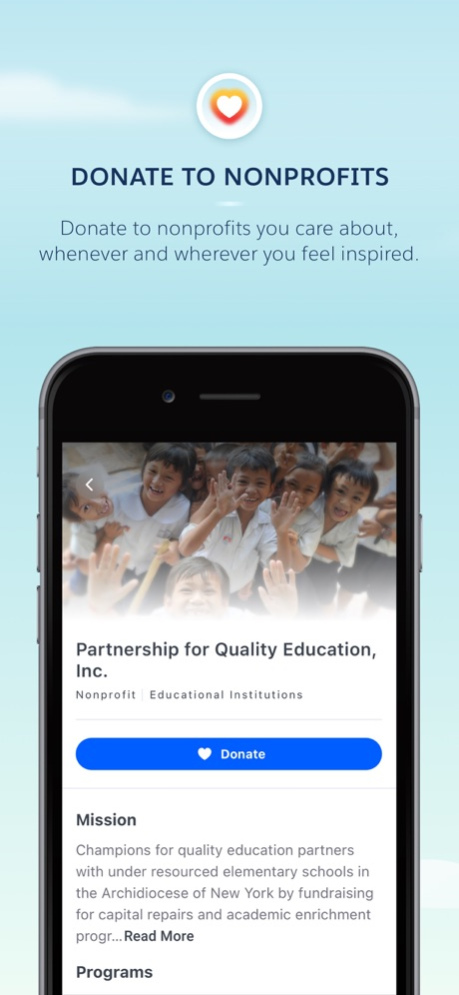
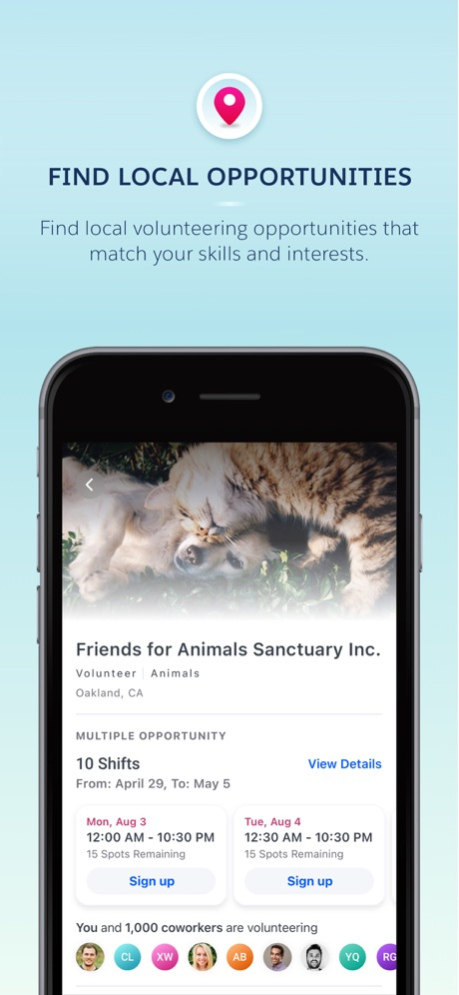
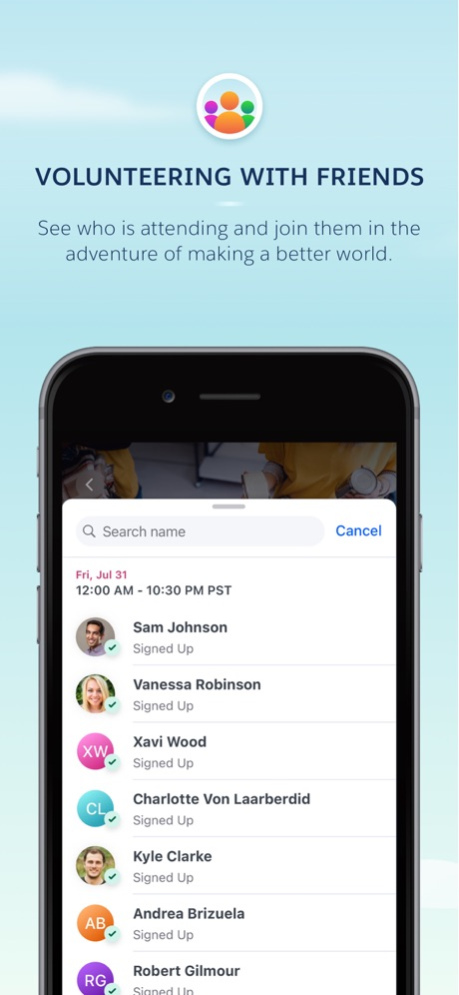

Welcome to a new era of giving! The old days of top-down corporate philanthropy are evolving. Like many industries before it, corporate philanthropy is being transformed from within in this new digital age, and employee choice is increasingly important. New generations of the workforce expect and demand corporations to take a leading role in trying to make their world a better place. And it's not only employees; customers, investors, shareholders, and global communities also expect companies to put purpose at the forefront of their business. Technology can solve this for the employee and for the corporation. It can convene, adapt, connect, and simplify solutions for philanthropy.
Salesforce.org Philanthropy Cloud is a platform that empowers corporations to put their values into action. It extends a company’s reach by engaging its employees in philanthropic endeavors, enhancing brand reputation and awareness, attracting and retaining top talent, and delivering a greater impact on the community and the world. With Philanthropy Cloud, employees are empowered to engage with the causes they love and easily take action, such as donating money, volunteering time, and measuring their impact.
Must be an existing Philanthropy Cloud user to use the app. Learn more at https://www.salesforce.org/philanthropy-cloud-overview/philanthropy-cloud-for-companies/
Nov 23, 2022
Version 2.3.2
UX improvements and various bug fixes.
About Philanthropy Cloud
The company that develops Philanthropy Cloud is salesforce.com. The latest version released by its developer is 2.3.2.
To install Philanthropy Cloud on your iOS device, just click the green Continue To App button above to start the installation process. The app is listed on our website since 2022-11-23 and was downloaded 0 times. We have already checked if the download link is safe, however for your own protection we recommend that you scan the downloaded app with your antivirus. Your antivirus may detect the Philanthropy Cloud as malware if the download link is broken.
How to install Philanthropy Cloud on your iOS device:
- Click on the Continue To App button on our website. This will redirect you to the App Store.
- Once the Philanthropy Cloud is shown in the iTunes listing of your iOS device, you can start its download and installation. Tap on the GET button to the right of the app to start downloading it.
- If you are not logged-in the iOS appstore app, you'll be prompted for your your Apple ID and/or password.
- After Philanthropy Cloud is downloaded, you'll see an INSTALL button to the right. Tap on it to start the actual installation of the iOS app.
- Once installation is finished you can tap on the OPEN button to start it. Its icon will also be added to your device home screen.
Program Details
System requirements
Download information
Pricing
Version History
version 2.3.2
posted on 2022-11-23
Nov 23, 2022
Version 2.3.2
UX improvements and various bug fixes.
version 2.3.0
posted on 2021-09-25
Sep 25, 2021 Version 2.3.0
- Matching Gift Programs are available on mobile! Request matching gifts for eligible donations.
- Donation amounts can be changed for recurring credit card donations and recurring payroll donations.
Disclaimer
Official App Store Link
We do not host Philanthropy Cloud on our servers. We did not scan it for viruses, adware, spyware or other type of malware. This app is hosted by Apple and passed their terms and conditions to be listed there. We recommend caution when installing it.
The App Store link for Philanthropy Cloud is provided to you by apps112.com without any warranties, representations or guarantees of any kind, so access it at your own risk.
If you have questions regarding this particular app contact the publisher directly. For questions about the functionalities of apps112.com contact us.
